Put-to-Light System Development
Computer Science · Summer 2025
Overview
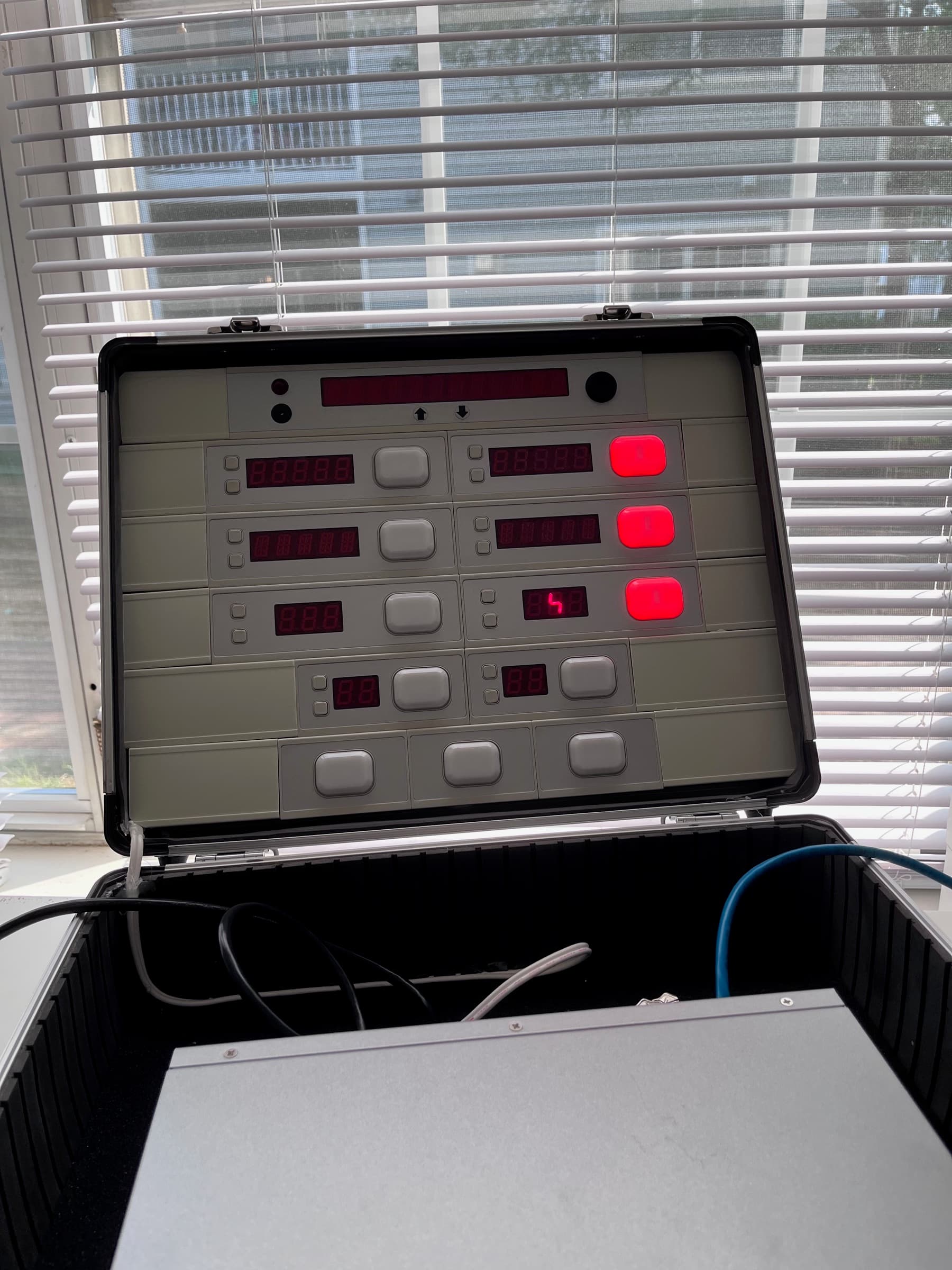
I built a warehouse put-to-light system designed to make order picking more efficient and reduce mistakes for my internship. I developed a user-friendly Python library by translating the put-to-light controller’s byte commands into Python functions. Through this project, I appplied my skills in Python, networks and communication protocols. Unfortunately, I cannot disclose more technical details.
Article
Put-to-Light: Telling a Warehouse Worker Where Each Item Goes
How a barcode scan becomes a light at the right slot, and what it takes to make software and hardware agree.
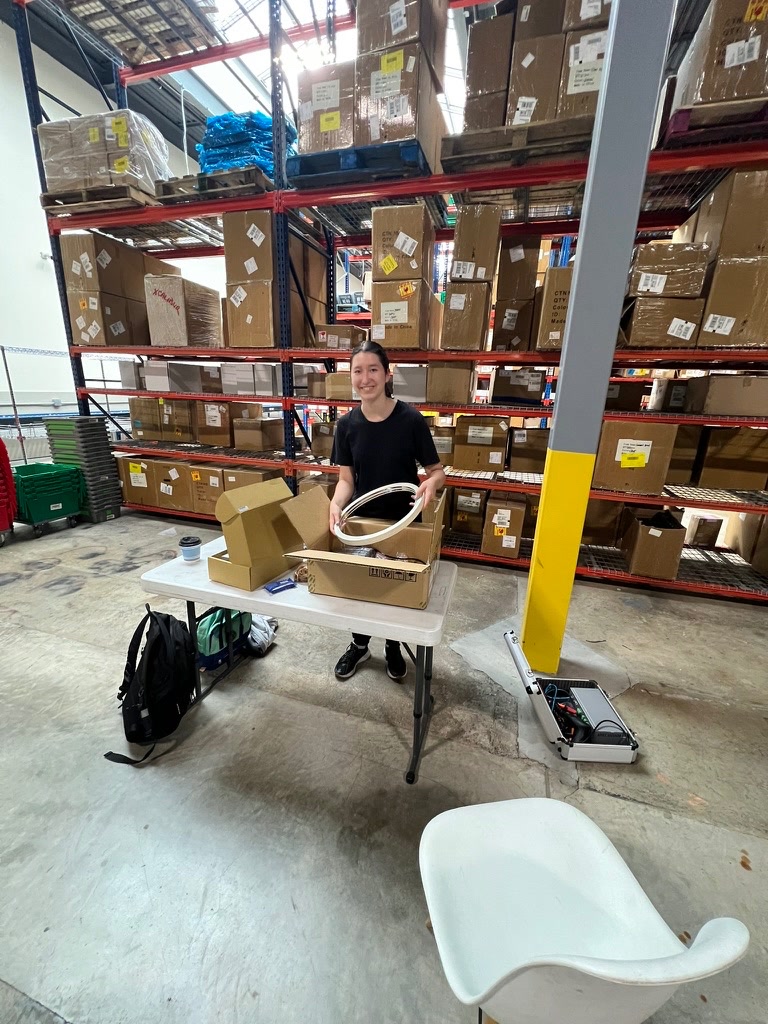 On site in the warehouse, unpacking hardware for the put-to-light station.
The problem
In a logistics warehouse, identifying a product is only part of the job, because a worker also needs to know where it should go next. When several orders or destinations share a work area, that decision repeats hundreds of times during a shift, leading to more errors during shipping.
My internship focused on adapting a put-to-light system. Specifically creating the software: a barcode scanner identifying the product, that software translating the scan into an instruction, and a light at a slot telling the worker where to put the item. The project connects a physical warehouse workflow to software and electronic hardware, with the goal of producing the correct visible signal on the equipment.
Why focus on this
Put-to-light is meant to shorten the repeated decision-making between recognizing an item and placing it. A cue at the destination can reduce searching and consulting the screen, helping the worker keep a more efficient rhythm.
There is no published before-and-after study for this internship, so I do not attach a percentage improvement, an error-reduction figure, or a return-on-investment claim to it. A meaningful evaluation of this project would measure:
- placement time
- correct-slot rate
- missed or repeated scans
- recovery from interrupted work
all under comparable conditions.
The workflow
- Scan the product. Using a scanner, the worker scans the barcode, which identifies the item.
- Resolve the destination. The application associates that scan with the appropriate placement.
- Address the hardware. The software encodes the destination into a command for a particular light or display module. Since each module has an address assigned to it, the controller can tell one slot from another.
- Show the instruction. The selected light tells the worker to put the item there. The project's library also supports text, numbers, and colors, so a module can present more information than a simple on/off binary state.
- Place the item and advance the workflow. The worker acts on the signal, clearing or updating the display, keeping the physical station ready for the next instruction.
The software
The project's Python library communicates with a controller over a TCP socket, packaging instructions into binary command frames and reading the controller's responses. Each frame includes fields for the command and the destination address, and any data the operation needs.
The receiving device expects a particular byte layout, so the details matter such as any text needs character encoding, a display has a fixed capacity, and every instruction must identify which physical module should receive it. A message that is in any way wrong in layout does not work.
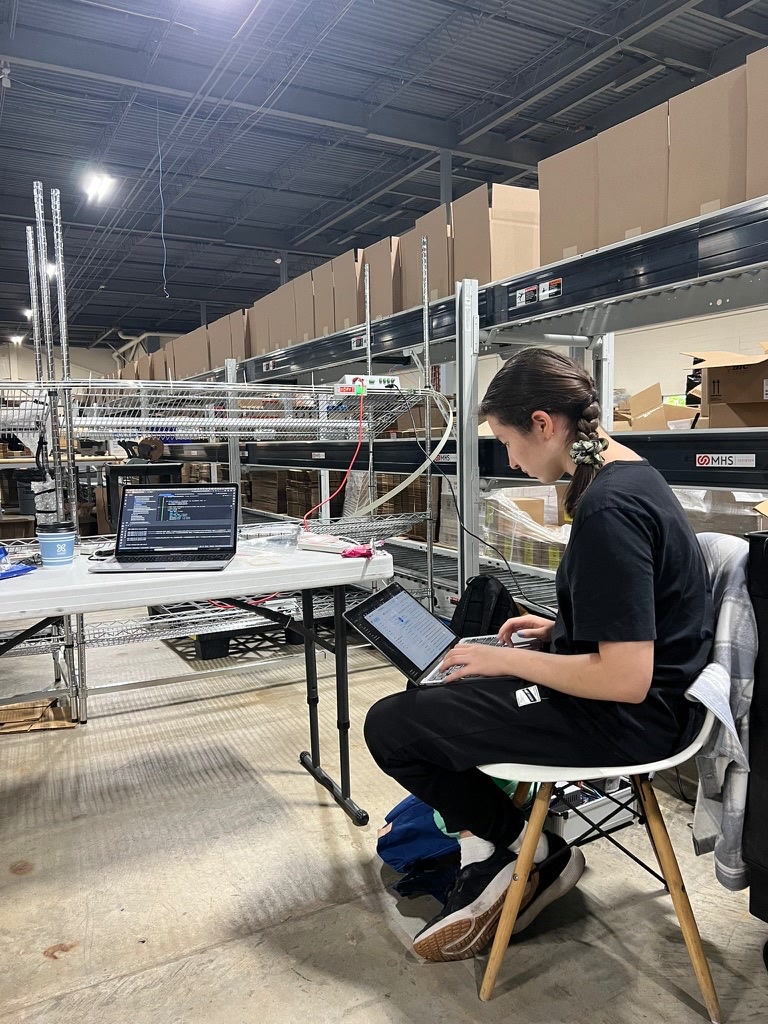 Developing the library at the station, with the controller wired into the shelving.
| Capability in the project library | What it enables |
|---|---|
| Addressed text and numeric displays | Sends an instruction to a specific module and formats it to fit the display |
| Color selection | Sets a module's display color as part of its visible state |
| Clear commands | Removes an old instruction from one display, or clears the whole station |
| Module address configuration | Distinguishes physical modules when setting up the station |
| LED and buzzer commands | Exercises the supported visual and audible hardware signals |
| Count adjustments and response decoding | Works with module input and interprets returned count data |
These are the capabilities of the project library. A particular warehouse workflow can use any subset of them. The library also includes small demonstrations of individual operations, which serve as proofs of concept.
Gallery · 01 items
Project gallery
01
Communication
Working with my supervisor to establish communication with the controller